


BenefitPaytestBahrain’s National Electronic Wallet Payment System
Update your BenefitPay App to Enjoy a More Enhanced Experience!
Taking into consideration all your valuable feedback, we are pleased to announce the launch of our all new and enhanced app to cater for your daily financial transactions, safely and seamlessly.
Now you can use all the previous services and enjoy new ones which include Bank Installments and more.
The new app is developed to provide you with enhanced customer experience and innovative services, hassle-free.
Why use BenefitPay? More benefits, higher security, and hassle-free!
BenefitPay is an app that allows users to pay and transfer funds using their smart devices in the Kingdom of Bahrain in a fast, secure, and convenient manner, through the App features:

Tap and Go
Make contactless and secure purchases at physical stores using your phone.

Pay online or in-app
Easy and quick check out on your favorite apps and websites without the need to enter your card details each time you make a payment.

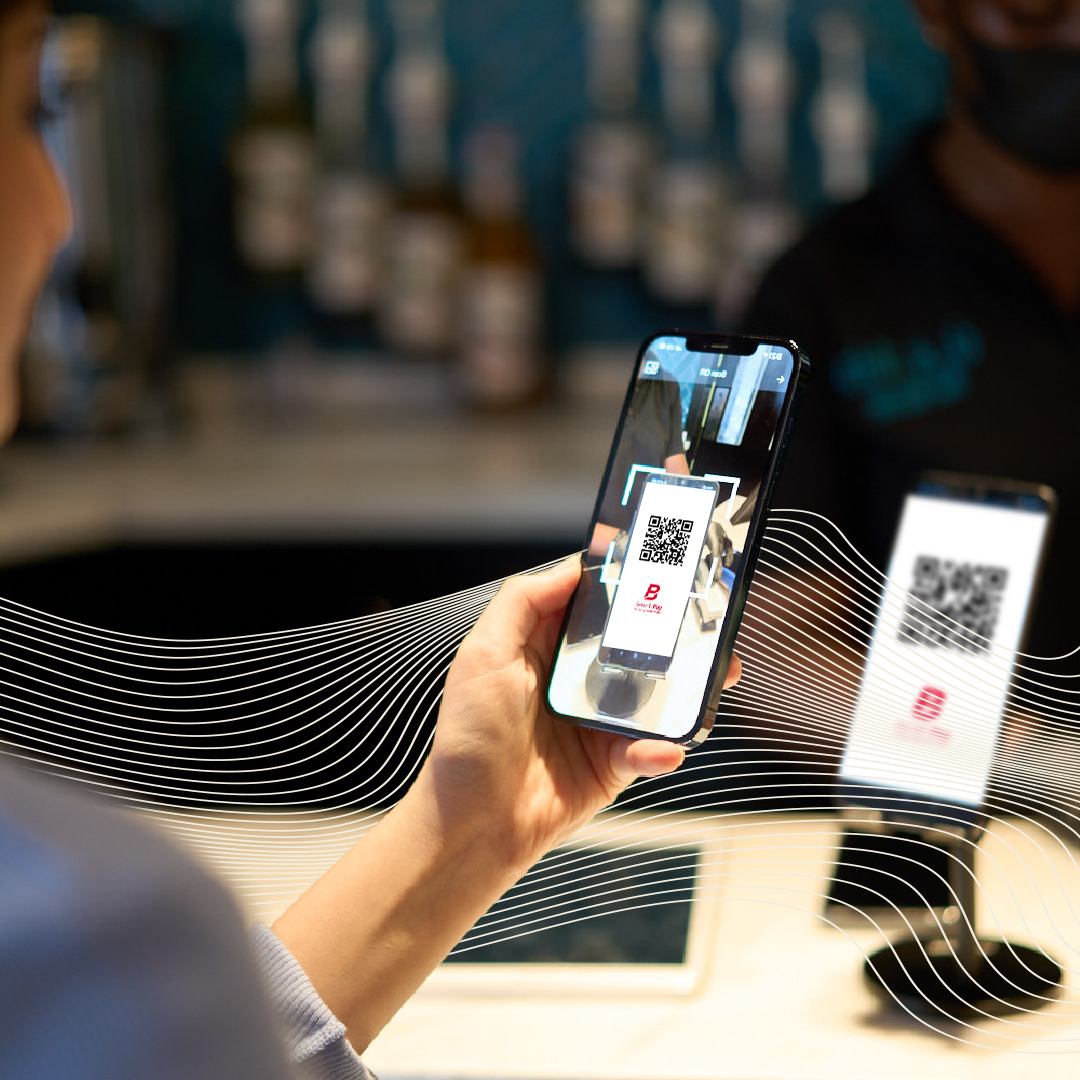
Scan to Pay
Scan to pay via QR at your favorite stores, supermarkets, restaurants and more.

Send funds instantly with Fawri/Fawri+
Securely send bank transfers from your phone to other phones within minutes.

Bill payments with Fawateer
Pay your due bills and invoices faster and securely with BenefitPay all in one place.

Fuel Payment
Top up and pay for your fuel with BenefitPay at affiliated stations all over Bahrain.
Bank Installments
Easy and quick loan and credit card installment payments using your phone.

Request Money
You can request funds from any registered account with BenefitPay with one click.

Chairty
Pay it forward with BenefitPay at affiliated charity organizations all over Bahrain.

Split Bill
Split the bill with countless number of friends in seconds using BeneftPay.


Benefits of BenefitPay
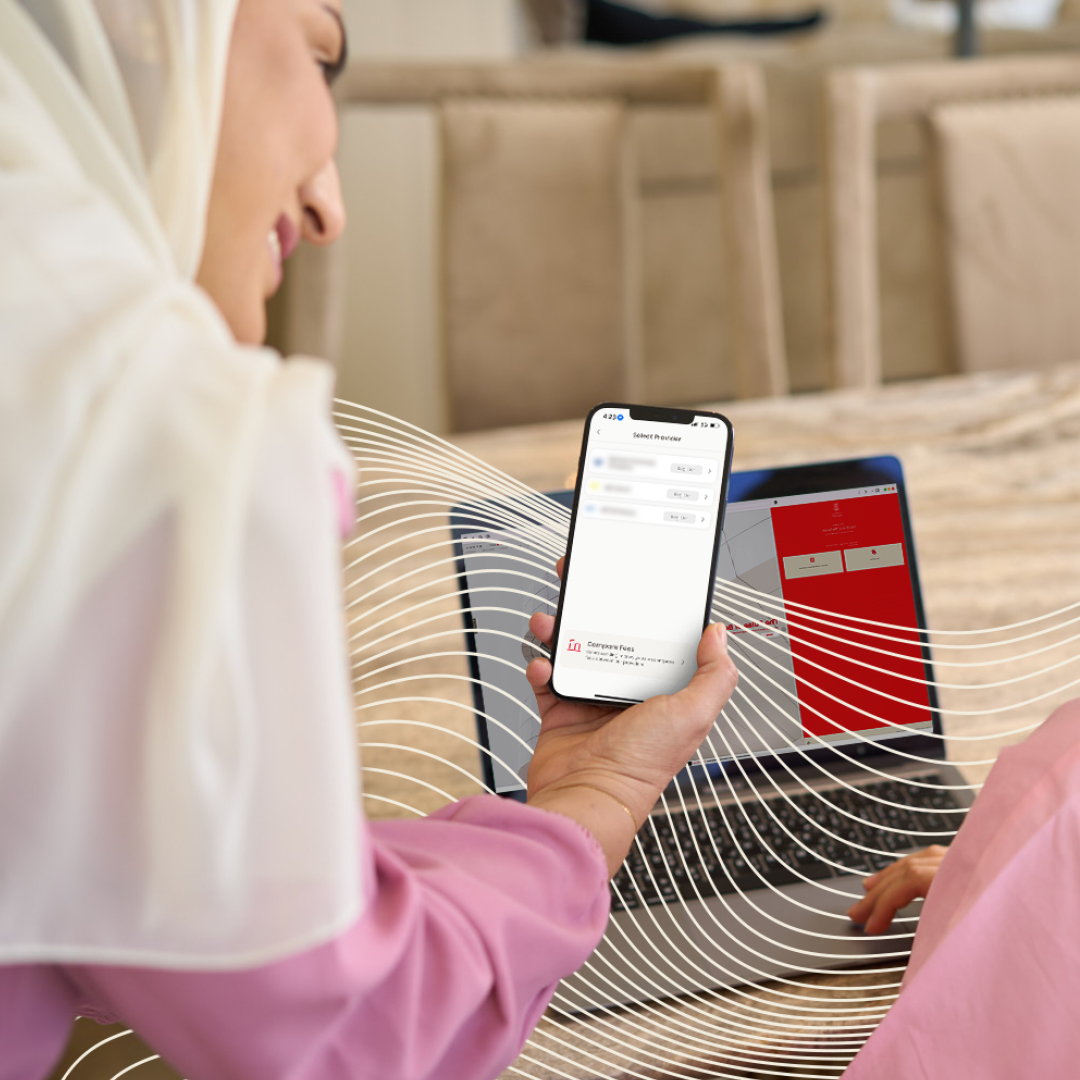
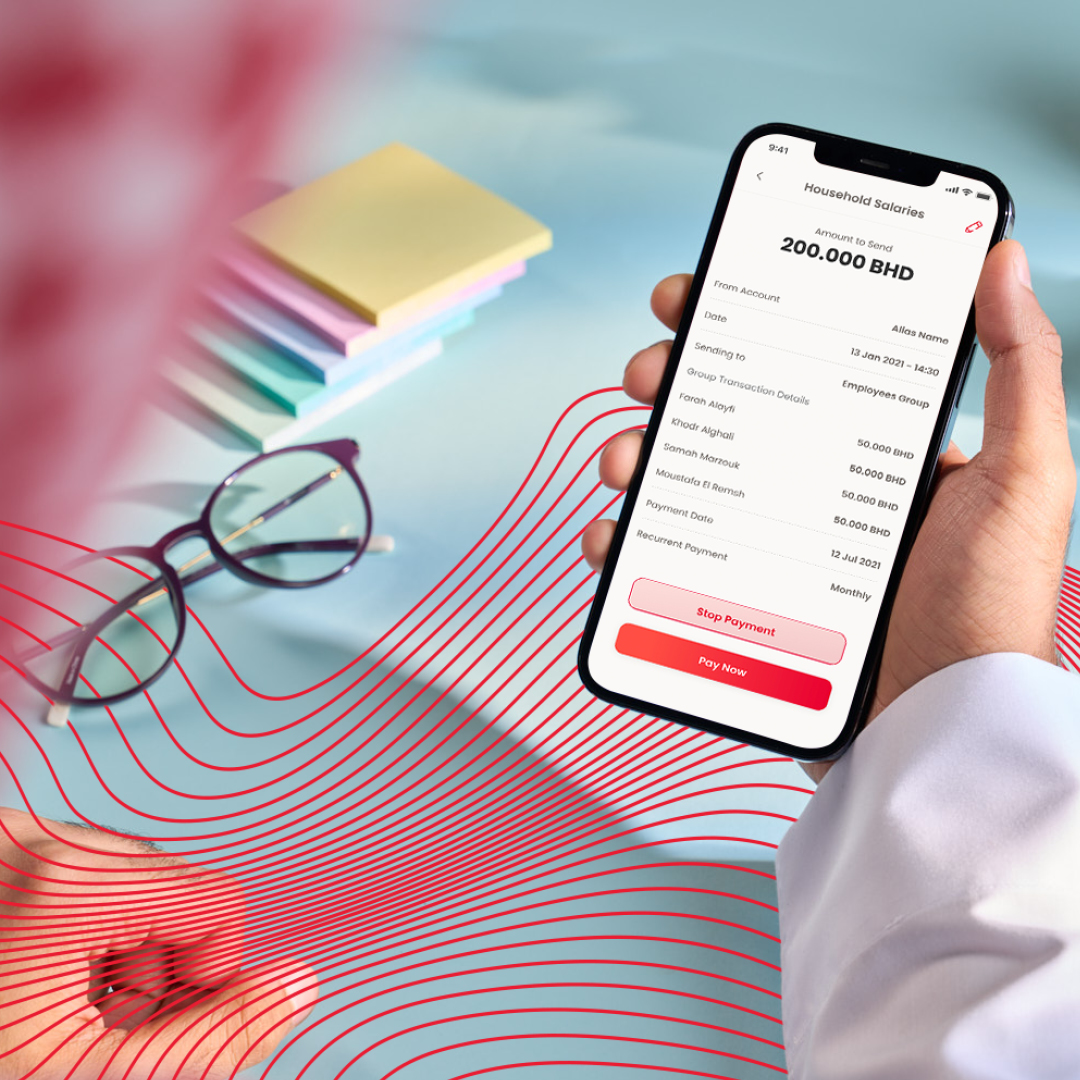
Join thousands of other users who have made the switch to hassle-free, cashless transaction!


New joiner?
Installing BenefitPay is easy and quick. Follow the steps to get started now.
- Download the free BenefitPay app
- Create your BenefitPay account using your mobile number.
- Start adding your selected mode of payments (Debit Cards, Bank account etc.)
- Shop, scan, Send & Tap and go!
Download/Update to get the new app!
Pay on the go all within seconds by downloading the BenefitPay app. Quick and easy to enable, download BenefitPay on Google Play and App Store and benefit from fast, effective, and frictionless payments.



How Secure is BenefitPay?
BenefitPay is a safe and secure way to pay anytime, anywhere. We value your peace of mind – our fraud prevention processes ensure your information and payments are protected.
- All transactions are authenticated by your fingerprint or passcode.
- Your bank information is not shared with merchants.
- All components of the system shall be complied with PCI-DSS Standards
- All customer information shall be encrypted and stored in a secured manner
- All Payment instruments shall be Tokenized (i.e. HCE) and stored as per International Schemes Standards
- Payment methods (i.e. QR Code, NFC) are interoperable and built as per international schemes standards

Participating Banks
All Benefit affiliated retail banks are participating and these are:























How to: Add Bank Account
How to: Add Bank Card
How to: Send Money Fawri+
Others are experiencing it and they’re loving it!
By far, one of the best payment apps! It functions very fast and the costumer service is brilliant. They guided me over the phone when I faced some problems and answered every question that I had. I highly recommend this!
MARYAM A. – Google Play User
Love this application made my business more efficient and my life much easier by accepting payments faster and easier. We just need a tutorial video showing how to setup and use the app for people with no IT knowledge, so we can share it with people who don’t have this amazing appreciation.
HUSSAIN KHALAF – Google Play User
It is a great app that made bank transfer much more easier and simpler. It would have been great if the app support NFC and MST technology instead of just QR code as those technology are more convenient and do not require the user to manually open the app every time in order to pay.
MOHAMMED AL-SHAIKH JAFAR – Google Play User




What is Tejari?
It is an electronic payment service and fund transfer, ensuring that all business payments, receipts, and transactions are properly tracked and classified for corporates. Tejari allows the users to identify the business beneficiaries by Phone number, Commercial Registration (CR), or Unit Code.
Is Tejari different from Fawri+ and Fawri?
Tejari is an extension of Fawri+ and Fawri tailored for business transactions where it provides additional payment information and immediate notifications of transactions.
How to register in Tejari?
Businesses with a single authorized signatory can register through BenefitPay Application or any certified internet/mobile banking channels.
Businesses with multiple authorized signatories should contact their bank for more information.
What are the benefits of Tejari?
- Traceability and transparency: Ensuring all payments are clearly identified and traced from origination to destination.
- Consumer protection: Ensuring proper dispute resolution framework is in effect and assuring customers rights for refunds and chargeback paid for commercial purposes.
- Fraud protection: Ensure the accuracy of companies’ accounts to avoid paying unknown entities.
- Reporting and reconciliation: Unify all business transactions under one portal for the purposes of reconciliation, reporting, accounting, and auditing by the companies.
- Business features for accountholders on BenefitPay Application: Link Tejari account and add employee devices to receive payment notifications.
- Compliance with the laws issued by the relevant authorities regarding financial transactions and payments.
- Enriched payment information and sender/receiver information, in addition to stating the source of transfers and receipt of funds.
Can a merchant link its employees to its Tejari account on BenefitPay?
Yes, merchants can link multiple employees' devices to their Tejari account. By linking the employees’ devices, the employees will only be able to receive notifications about the transaction status. If the employees’ do not want to receive notifications, they can be disabled through the application.
How to link an employee’s device on BenefitPay?
To link an employee’s device open BenefitPay Application > More > My Accounts > Select Business Account > Link Wallet.
How to make a transaction in Tejari?
Individuals can make a transaction by using Fawri+ / Fawri> Choose Payment type (Phone number, Commercial Registration (CR), or Unit Code.) > Enter Amount > Sent.
Can the merchant hide and select which payment account to show when paying using the mobile number or CR?
Yes, the merchant can delink any of its payment accounts
How can the merchant hide and delink its payment accounts?
If the merchant is using BenefitPay, then he simply goes to my account > hide the account. However, the merchant can still receive payments from customers through the merchant IBAN directly.
If the merchant is not using BenefitPay, then the merchant can approach its bank for inquires.
If the merchant delinks its account does that mean the merchant will not be able to receive Tejari transactions?
No, the merchant will still be able to receive Tejari transactions. The customer will have to transfer using the IBAN and not the CR or mobile number.
What is the daily limit on Tejari Transactions?
The daily limit for Personal Transactions is BD 1,000, while the daily instant limit for Tejari transactions is BD2,000. Yet, Tejari has no limit for the paying customer.
What if the customer passes the daily limit on Tejari Transitions?
If the customer passes the daily limit of BHD 2,000, the amount will be deducted from the customer's account and the transaction will be successful. The merchant will receive confirmation of a successful transaction immediately and the amount will be credited to the merchant's business account at the end of the settlement session.
Can the customer cancel a successful transaction?
No, the customer is not able to cancel transactions; but the customer has the right to raise a dispute in case of wrong or duplicated transactions.
How can I raise a dispute for a Tejari transaction?
In case the transaction has been successfully completed yet the account has not been debited or credited, the customer or the merchant shall raise a dispute to his/her bank.
In case the transactions have been paid twice or paid with wrong amount, the customer can ask the merchant to refund the transaction.
How can a merchant refund a transaction?
The merchant can refund the transaction within 14 calendar days from the transaction date. Transactions after 14 calendar days can be refunded as offline refund where the merchant asks the bank to send a Fawri transaction crediting back the customer account with the same value.
What additional payment information does Tejari transactions provide?
- Creditor reference in case linked to a request to pay transactions.
- Customer reference such as invoice, account, or customer ID number.
- CR number and legal name
How will the paying customer be able to provide his/her identifier to the merchant when making a Tejari transaction?
The customer using any of EFTS access channels (BenefitPay and banks) will be able to enter any required identifier such as receipt number or customer ID as part of the notes to the transaction. The information will be shared with the merchant as part of the Tejari report and bank statement.
As a merchant how can I view Tejari transaction data?
If the customer is using BenefitPay then, then you can go to transaction and filter Tejari transactions.
If the customer is not using BenefitPay then he will be able to view the transaction history from the bank access channel (if provided) or the bank statement which will include detailed payment information.
Is Tejari only for retail customers paying merchants?
Tejari is commercial transfer that enables any retail or corporate customer to pay to any merchant or corporate.
How will the merchant be notified by the incoming Tejari transaction?
In case of using BenefitPay then the user will be notified via the notification message on BenefitPay il)
In case of not using BenefitPay, then notifications of Tejari payment are subject to the mutual agreement between the merchant and the bank.